
How to Use Claude MCP for Product Management (2026 Guide)
Connect Claude Desktop to IdeaLift using the Model Context Protocol (MCP). Query your backlog with natural language, log decisions, and manage product feedback directly from Claude.

Claude MCP for product management is the use of the Model Context Protocol to connect Claude Desktop directly to a product feedback tool, letting product managers query the backlog, log decisions, and triage feedback through natural-language prompts instead of clicking through dashboards. IdeaLift exposes a Claude MCP server on the official MCP Registry, so Claude Desktop users can ask "what is our highest-priority enterprise request" and get the answer from their live backlog in seconds.
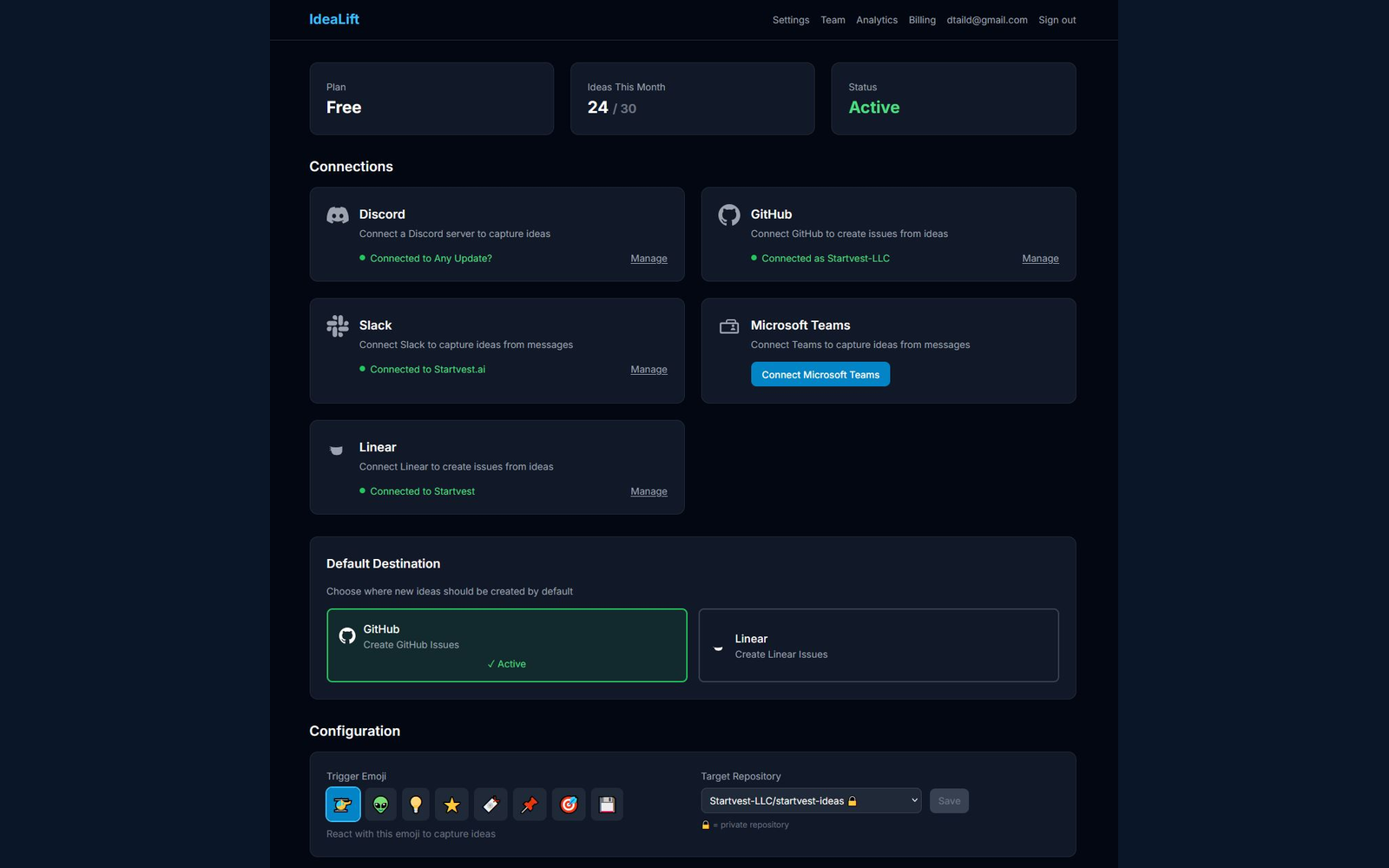
What if you could ask Claude "What's our highest-priority customer request?" and get an answer from your actual backlog?
That's now possible with MCP.
The Model Context Protocol (MCP) is an open standard that lets AI assistants like Claude directly interact with external tools. IdeaLift is now available on the official MCP Registry, which means Claude Desktop can query your ideas, log decisions, and manage feedback - all through natural language.
This guide shows you how to set it up and what it enables.
What is MCP (Model Context Protocol)?
MCP is Anthropic's open protocol for connecting AI assistants to external data sources and tools. Think of it as "plugins for Claude" - but standardized and secure.
Without MCP: You copy-paste data from your tools into Claude, then copy-paste Claude's suggestions back.
With MCP: Claude directly reads and writes to your tools. No copy-paste. No context switching.
Why MCP Matters for Product Managers
Product managers live in their tools. Jira, Linear, Notion, spreadsheets. MCP lets you interact with these tools conversationally:
- "Show me the top 5 feature requests from enterprise customers"
- "How many bugs were reported last week?"
- "Create an idea: Users want dark mode"
- "Mark the SSO idea as shipped"
These become actual queries against your real data - not hallucinated responses based on training data.
IdeaLift's MCP Integration
IdeaLift is now listed on the official MCP Registry at registry.modelcontextprotocol.io. When you connect Claude Desktop to IdeaLift, Claude gains access to:
13 Tools
| Category | Tools | What They Do |
|---|---|---|
| Ideas | list_ideas, get_idea, create_idea, update_idea, search_ideas | Full CRUD on your backlog |
| NLQ | query_ideas | Natural language queries against your ideas |
| Signals | list_signals, get_signal_analytics, attach_signal | Analyze external feedback |
| Decisions | log_decision, get_decision_history | Track what happened and why |
| Relationships | create_relationship, list_relationships | Link related ideas |
3 Resources
| Resource | Description |
|---|---|
| workspace://config | Your workspace settings |
| ideas://inbox | Ideas pending review |
| ideas://trending | Ideas with high signal activity |
Setup Guide (5 Minutes)
Step 1: Get Your IdeaLift API Key
- Sign in to IdeaLift at idealift.app
- Go to Settings > Integrations > API Keys
- Click Generate API Key
- Copy the key (starts with
il_live_)
Step 2: Configure Claude Desktop
- Open Claude Desktop
- Go to Settings > Developer > MCP Servers
- Add a new server with:
{
  "idealift": {
    "transport": "streamable-http",
    "url": "https://idealift.app/api/mcp",
    "headers": {
      "Authorization": "Bearer il_live_your_api_key_here"
    }
  }
}
- Save and restart Claude Desktop
Step 3: Verify Connection
Ask Claude: "List my recent ideas from IdeaLift"
If configured correctly, Claude will query your actual workspace and return real data.
Use Cases for Product Managers
Morning Standup Prep
Prompt: "Show me ideas that received new signals yesterday, sorted by signal count"
Claude queries IdeaLift's signals and returns ideas getting recent traction. You walk into standup knowing what customers are talking about today.
Customer Call Prep
Prompt: "What feature requests has Acme Corp submitted in the last 6 months?"
Claude searches your ideas by customer name, returning their full request history with context. You're prepared to discuss their specific pain points.
Roadmap Prioritization
Prompt: "List high-priority ideas from enterprise tier customers that haven't been started"
Claude filters by priority, customer segment, and status - returning exactly the ideas that deserve attention.
Decision Documentation
Prompt: "Log a decision on idea 47: Rejected - Out of scope for Q1, will revisit in Q2"
Claude creates a decision event with your rationale attached. Six months later, you (or your replacement) can see exactly why this idea was parked.
Weekly Summary
Prompt: "Give me a summary of new ideas, shipped ideas, and rejected ideas from this week"
Claude compiles your weekly activity into a summary. Paste it into Slack or your status report.
Competitive Analysis
Prompt: "Which ideas mention Salesforce or HubSpot integrations?"
Claude searches your ideas for competitor mentions, helping you track integration requests and competitive pressure.
Example Conversations
Creating Ideas from Meeting Notes
You: "Create an idea from this meeting note: Enterprise customer Initech requested bulk import via CSV. They process 10,000 leads monthly and our current one-by-one entry doesn't scale."
Claude (using IdeaLift MCP):
Created idea:
- Title: Bulk CSV Import for Leads
- Summary: Enterprise customer Initech needs bulk import capability. They process 10,000 leads/month and current one-by-one entry doesn't scale.
- Source: claude-mcp
- Status: new
- ID: 234
Analyzing Signal Trends
You: "What's trending in my signals this week?"
Claude (using IdeaLift MCP):
Based on signal analytics for the past 7 days:

Top trending topics:
1. Mobile app requests (15 signals across 3 ideas)
2. SSO/SAML authentication (8 signals from enterprise customers)
3. Dark mode (6 signals, mostly from Twitter)

Recommended action: Mobile app and SSO are getting consistent enterprise attention.
Logging Decisions with Context
You: "Mark the dark mode idea as shipped with a link to the release notes"
Claude (using IdeaLift MCP):
Decision logged:
- Idea: Dark mode
- Event: shipped
- Reason: Released in v2.4 - see release notes
- Timestamp: 2026-01-26T14:32:00Z
Why MCP Instead of Just Asking Claude?
Without MCP (Claude answers from training data):
You: "What feature should I prioritize?" Claude: "Generally, you should consider customer impact, effort, and strategic alignment..."
Generic advice. No context about your actual backlog.
With MCP (Claude answers from your data):
You: "What feature should I prioritize?" Claude: "Based on your IdeaLift data, the SSO/SAML idea has 8 signals from 4 enterprise customers and is blocking 2 deals worth $240k ARR. Dark mode has more signals (12) but they're from free tier users."
Specific, actionable, grounded in reality.
Security and Privacy
What IdeaLift's MCP Server Accesses
- Only data in the workspace associated with your API key
- Only data you explicitly query (no bulk exports happening in the background)
- All queries logged to your audit trail
What We Don't Do
- We don't train AI models on your data
- We don't share data between workspaces
- We don't store your Claude conversations
API Key Best Practices
- Use separate keys for different use cases (one for Claude, one for Zapier)
- Rotate keys periodically in Settings > Integrations
- Revoke immediately if a key is compromised
Comparing MCP to Other Integrations
| Feature | MCP (Claude Desktop) | Slack Bot | Zapier | API |
|---|---|---|---|---|
| Natural language queries | Yes | Limited | No | No |
| Conversational context | Yes | Limited | No | No |
| Complex analysis | Yes | No | No | Requires code |
| Two-way data flow | Yes | Yes | Yes | Yes |
| Setup complexity | Low | Low | Medium | High |
MCP is the highest-bandwidth integration for AI-assisted workflows.
Troubleshooting
"Claude doesn't see my ideas"
- Verify API key is correct (starts with
il_live_) - Check Claude Desktop > Settings > MCP Servers shows "Connected"
- Try a simple query: "List 5 ideas from IdeaLift"
"Rate limit exceeded"
MCP queries count against your IdeaLift plan limits:
- Free: 60 requests/min
- Pro: 300 requests/min
- Enterprise: 1200 requests/min
For bulk operations, use the batch endpoints in our REST API.
"Queries are slow"
Natural language queries (NLQ) use AI processing and take 2-5 seconds. Direct queries like "list ideas" are faster (<1 second).
What's Coming Next
We're expanding MCP capabilities:
- Roadmap resources - Access your roadmap timeline
- Alert subscriptions - Get notified when ideas match criteria
- Multi-workspace - Query across workspaces (Enterprise only)
Getting Started
Already using Claude Desktop? IdeaLift is the first product feedback tool on the official MCP Registry.
- Sign up for IdeaLift (free tier available)
- Generate your API key in Settings > Integrations
- Configure Claude Desktop with your key
- Start querying your backlog with natural language
Questions? Email [email protected] or book a 15-minute demo.
Related Articles:
Free Resource
Rescue Your Lost Feature Requests
A 5-step audit to find the ideas hiding in your team chat
Ready to stop losing ideas?
Capture feedback from Slack, Discord, and Teams. Send it to Jira, GitHub, or Linear with one click.
Continue Reading
View allHow Claude MCP Transforms Product Management Workflows Through Server-Based Tool Integration
Learn how Claude MCP servers revolutionize product management workflows through direct tool integration. Complete guide to setup, automation, and security for PM teams.
Shipping Entra OBO Passthrough on Microsoft Foundry: What It Actually Takes
Most ISVs publishing to Microsoft Foundry Toolbox will wrap a Bearer API key and call it done. Here's why OAuth On-Behalf-Of is the real differentiator, and what it takes to ship it on a vertical SaaS MCP server.
The Hidden Cost of Scattered Product Feedback
Your product feedback isn't missing. It's buried in 6 tools nobody cross-references. One request looks like six. Here's what that costs and how to fix it.